


Fragrance Perfumes
One source film per campaign, translated into 7 languages. 190 videos so far.
Read Fragrance Perfumes's story
 For YouTube and Google Ads video campaigns
Dub in-stream, Shorts and Demand Gen video ads into 70+ languages in the presenter's own voice, and check every line before the voice is made.
No credit card · 2 free test translations, about 15 seconds each · reduced quality
 English
Same ad, same footage. Pick a language. Sound on.
Fragrance Perfumes makes one source film per campaign and translates it into 7 languages for its country stores. Read Fragrance Perfumes' story
4.4Trustpilot







Many YouTube ads have a person explaining a product, with claims, prices and a call to action. Translating one means every sentence has to be right, and the presenter has to stay the same person.
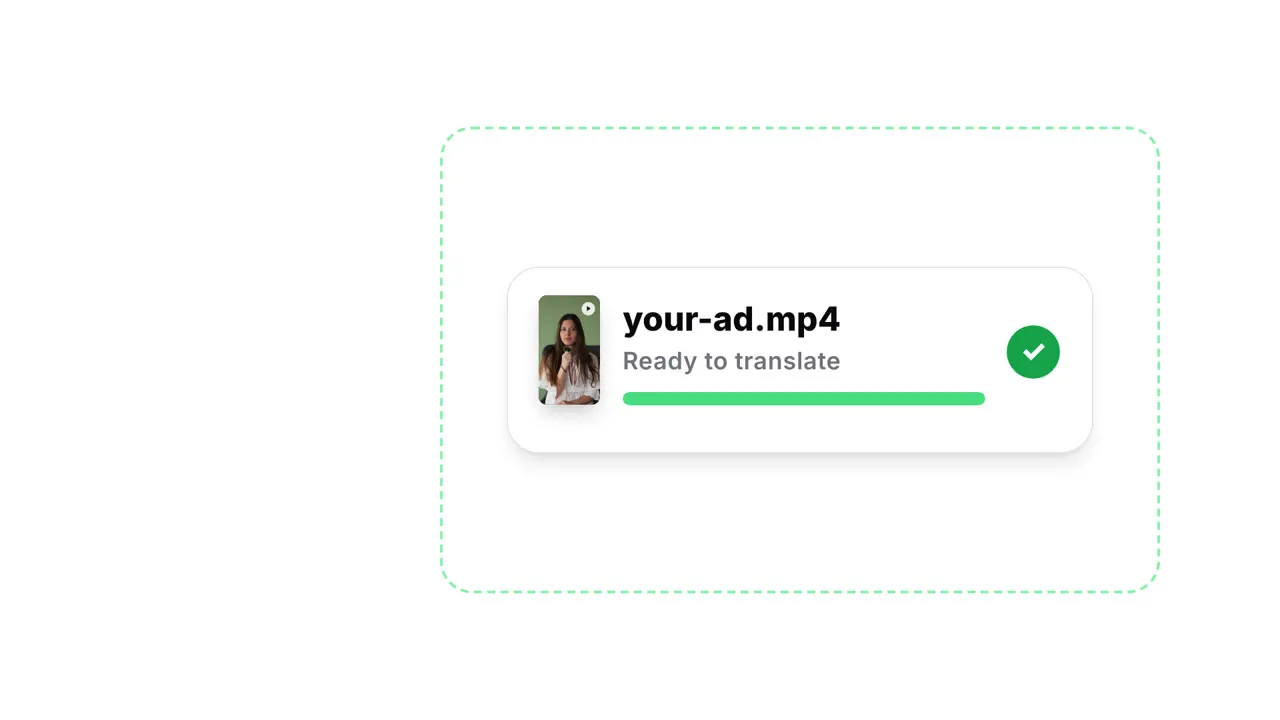
1Upload the masterUpload the video file you made the ad from (MP4, MOV and other common formats, up to 512 MB and 30 minutes).
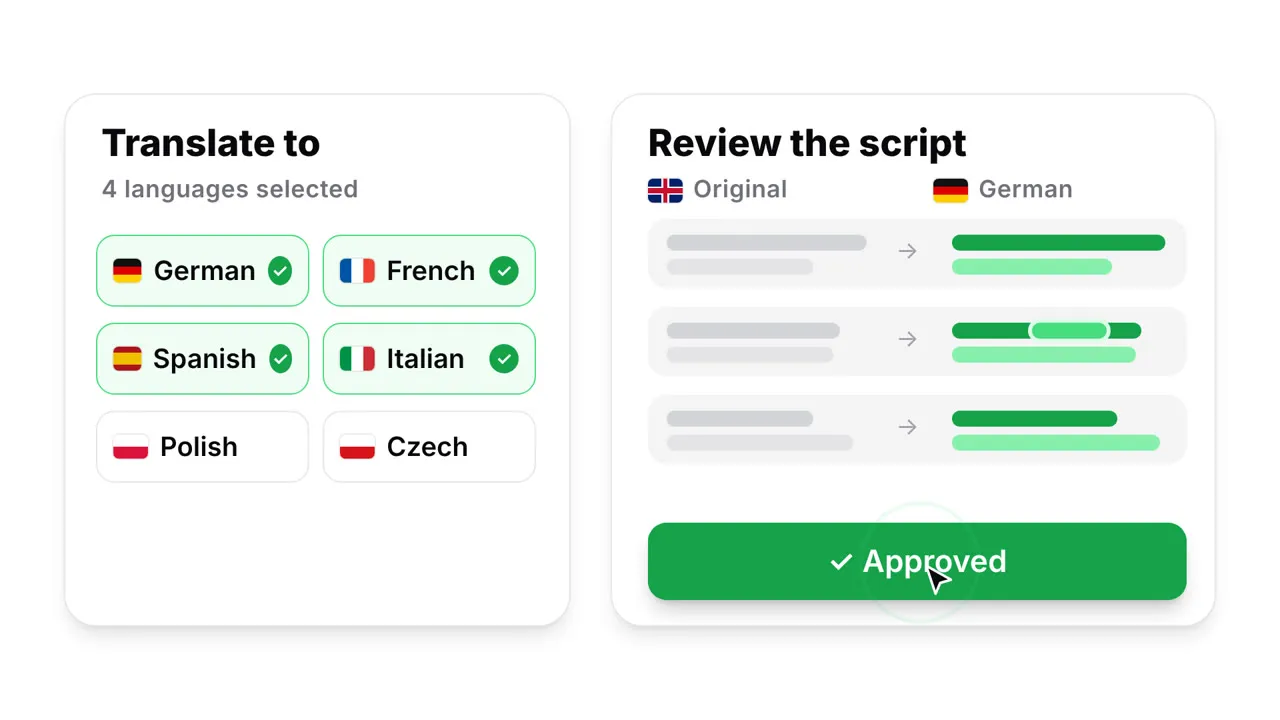
2Choose languages and lip-syncPick the target languages and whether the presenter needs lip-sync.
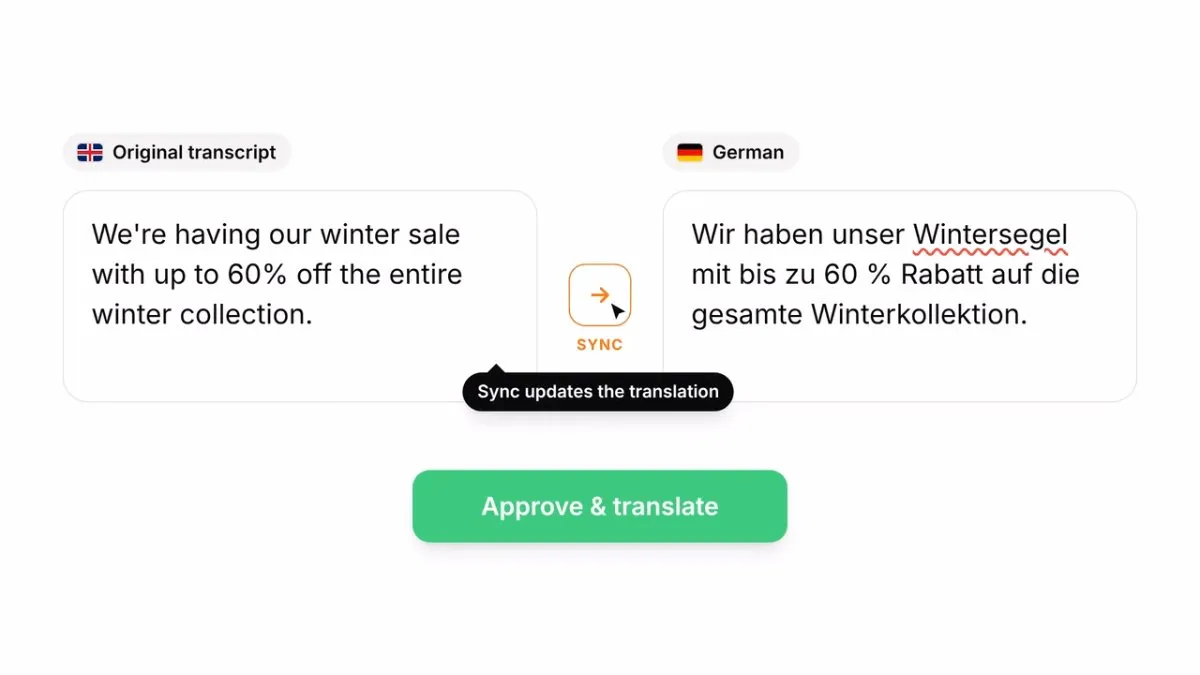
3Review the scriptRead the translation next to the original and check product names, prices, claims and legal lines. On paid plans you can edit any line before it's voiced.
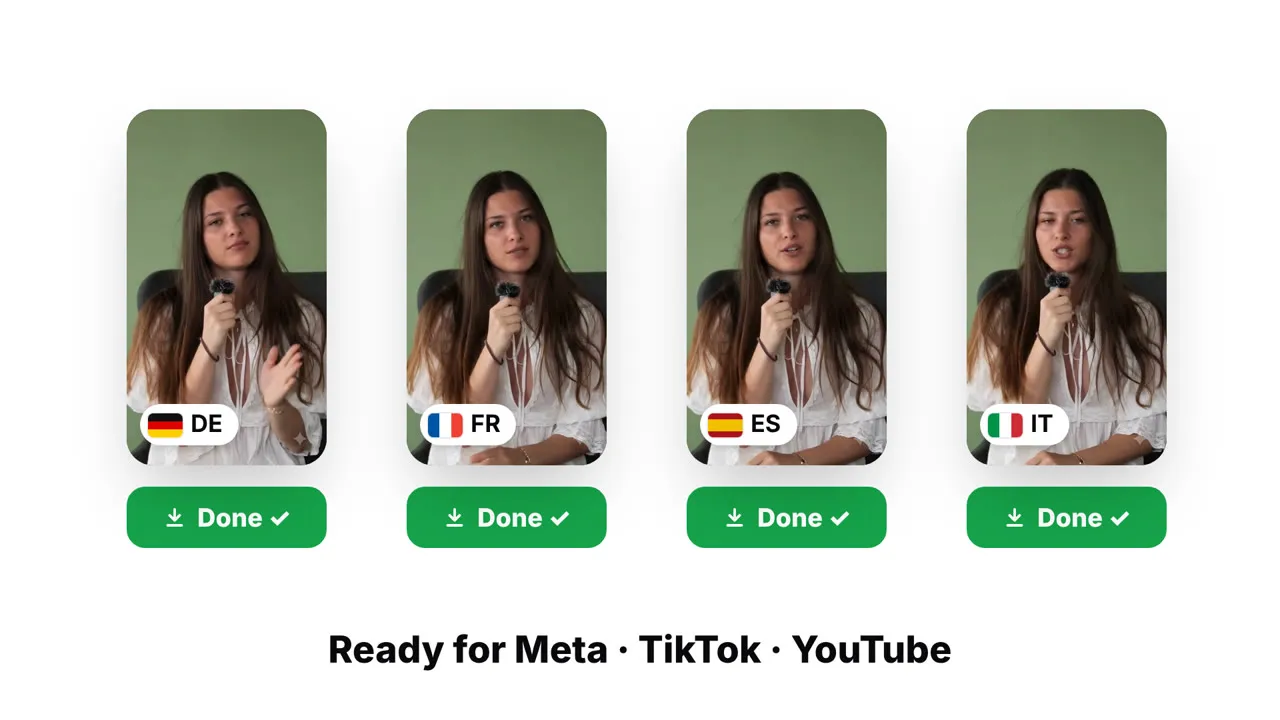
4Publish it yourselfDownload the video, upload it to YouTube and select it in your Google Ads campaign.
GeckoDub does not publish to YouTube or Google Ads. The free test uses about 15 seconds of your clip at reduced quality, so it's for judging the dub, not for running as an ad. Paid plans translate the full video at full quality.
No credit card · 2 free test translations, about 15 seconds each · reduced quality
Upload the shot you think will break it: a close-up, fast talking, a product in front of the mouth. Your 2 free test translations, about 15 seconds each, can use HQ lip-sync.
Same clip, product held in front of the mouth. Left: other AI dubbing. Right: GeckoDub.
Real ads have products, mics and head turns in front of the mouth. That's where most lip-sync breaks. GeckoDub is built for these shots.
GeckoDub doesn’t create an AI avatar or a new video. It keeps your real footage, your products exactly as they are, and your real speaker with their own voice, cloned. Only the mouth is re-synced to the new language. That’s why it looks natural: it’s still your ad.
Turn on Proofreading to check the transcript and the translation first: product names, prices, claims and legal lines.
Script editing is part of the paid plans. In the free test you see the same review step, but your edits aren’t applied.
HQ lip-sync handles more than one speaker, and hands or products in front of the mouth.
How lip-sync worksSkip lip-sync. Translation alone uses about 8 tokens a minute, against about 20 with standard lip-sync.
Videos up to 30 minutes and 512 MB per file are supported. You pay per minute, so a longer ad costs more tokens.
Background music and sound effects stay; the speech is replaced. It is harder when music is as loud as the voice.
Upload the horizontal master. If the presenter is on camera, lip-sync keeps the mouth in step with the new words.
Upload the vertical cut. It stays vertical. Add animated subtitles in the new language if you want the ad to work with the sound off.
Animated subtitlesIf you run several cuts, upload each one. Each video in each language is its own translation.
Titles, lower thirds and price cards stay in the original language. GeckoDub translates the speech, not the pixels.
Trade press reports that Google Ads is rolling out video ad dubbing in Asset Studio to select advertisers. If you are weighing the two, see our comparison.
GeckoDub vs Google Ads video dubbingOne source film per campaign, translated into 7 languages. 190 videos so far.
Read Fragrance Perfumes's story
Founder Sandra Šuc speaks to camera. 175 videos in 9 languages, with product names locked in a glossary. From the story: "Nothing is recut, and there is no second shoot day."
Read Alpine Nation's story
A minute of video uses about 8 tokens for translation alone, about 20 with standard lip-sync and about 40 with HQ lip-sync, per language. A two-minute explainer with standard lip-sync uses about 40 tokens per language.
15000+ users translated 30000+ videos with GeckoDub in last year. See full pricing →
Something else? Email info@geckodub.com or use our live chat.
Upload the ad master. The test uses about 15 seconds of it, usually from a part with speech.
No credit card · 2 free test translations, about 15 seconds each · reduced quality