

5 Best Video Ad Translator Apps for UGC Creators (2025)
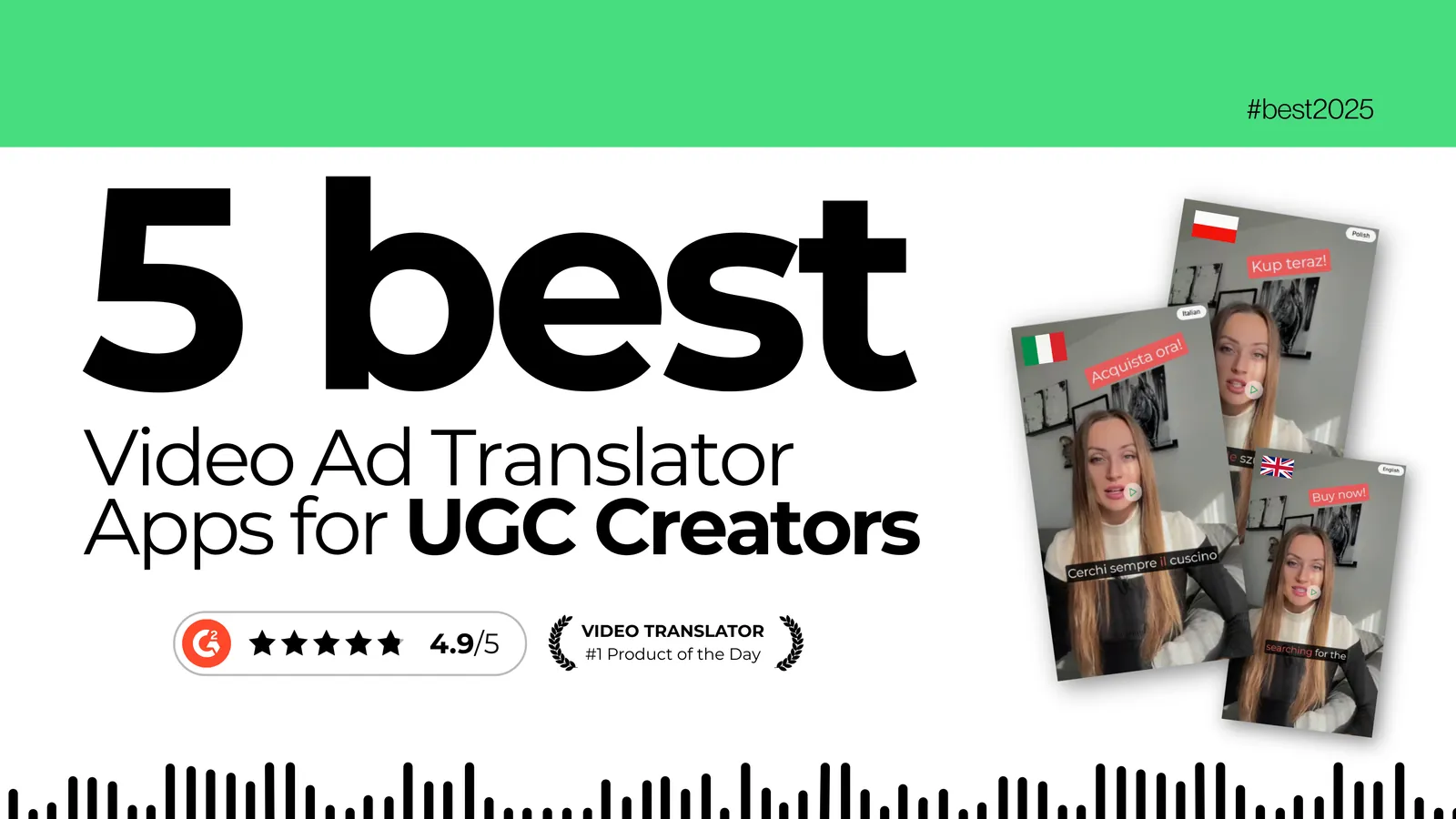
Quick answer: for UGC creators in 2025, GeckoDub is the best fit for ad-quality dubbing with lip-sync, Rask AI for fast turnaround on organic content, Papercup (now part of RWS) for human-reviewed enterprise dubbing, Synthesia for avatar-generated video, and Checksub for budget subtitle work. Self-serve plans run from roughly $18 to $60 per month; the enterprise options are quoted.
If you're a UGC creator scaling across markets, you know where the bottleneck is: translating, re-recording, and re-editing every ad for every language. AI dubbing tools now collapse that into a single upload — translated script, cloned voice, matched lip movements — and the output is good enough for paid placement. Here are the five worth your time, and who each one is actually for.
Why UGC Creators Need AI Translation Tools
Creator-style video is the format most brands are buying right now, and it's also the format that breaks hardest under traditional localization. The whole premise is that a real person is talking to the camera. Replace their voice with a stranger's and you've thrown away the thing you were paying for.
That's why most creators stay English-only and quietly cap their reach. The alternative used to be genuinely expensive: hiring a translator, a voice actor, and an editor per language runs into four figures per video and takes weeks — an absurd investment for an ad that might fatigue in ten days.
AI dubbing changes the arithmetic. Translation, voice synthesis, and lip-sync happen in one automated pass, which makes it viable to test a market before committing to it. For creators juggling brand partnerships or running their own DTC products, that's the difference between "we should localize eventually" and "we localized this afternoon."
The hard part is finding a tool whose output actually sounds natural enough to run as a paid ad. Here's how the main options compare.
The 5 Best Video Ad Translator Apps
1. GeckoDub
GeckoDub is built specifically for video ad localization rather than general video translation. It combines AI dubbing, voice cloning, and lip-sync so the dubbed version reads as if it were filmed in the target language.
Key features:
- Voice cloning that carries the original speaker's tone and delivery into each language
- Lip-sync that adjusts mouth movements to the dubbed audio
- 70+ languages and accents, with regional variants for the major ones
- Proofreading and Smart Translation Control — review and edit the translation before anything is rendered
- Bulk upload for processing multiple ad variants at once
- Animated subtitles timed against the dubbed audio, not the English original
- EU company with EU cloud hosting, GDPR as the home regime
Ideal for: creators scaling paid campaigns internationally, performance marketers running multilingual creative tests, and agencies handling localization across clients.
Pricing: free trial with no credit card (output is watermarked); paid plans from €25/month for Starter, €79/month for Creator Pro, and €199/month for Scale. Plans are token-metered rather than minute-metered, and high-quality lip-sync consumes tokens at double the standard rate.
2. Rask AI
Rask AI is a capable generalist for creators who want quick translations without much fine-tuning. It leans toward speed over control, which makes it a reasonable entry point for testing markets on organic content.
Key features:
- Translation across 135 languages, with voice cloning available on a smaller subset (around 32 languages)
- Simple interface with a shallow learning curve
- Subtitle generation bundled with dubbing
- Integrations with common video editing tools
Ideal for: solo creators and small teams who value speed and simplicity over granular control. Good for organic content and early market testing where polish is negotiable.
Pricing: the entry Creator plan is $60/month for 25 minutes, with higher tiers for larger volumes. A limited free trial is available.
3. Papercup (now part of RWS)
Papercup pairs AI dubbing with human translators who review and polish the output before delivery. Its site now redirects to RWS's AI dubbing and voiceover service, so treat it as an enterprise localization service rather than a self-serve tool.
Key features:
- AI dubbing with human review in the loop
- Professional voice talent across major languages
- Custom voice creation for brand consistency
- Project management and account handling for larger engagements
Ideal for: established brands with real localization budgets that want human oversight on every asset. Best for long-form content or campaigns where cultural accuracy outweighs turnaround speed.
Pricing: quoted per engagement — there's no public self-serve tier. Expect a sales conversation, and expect it to price like a service rather than a subscription. Not a realistic option for solo creators testing a market.
4. Synthesia
Synthesia takes a different route: rather than dubbing your existing footage, it generates AI avatar videos from a script, which can then be produced in many languages. Not dubbing in the strict sense, but useful if you want localized explainer or spokesperson content without filming.
Key features:
- AI avatars delivering scripts across 160+ languages and voices
- Text-to-video generation for quick ad variations
- Custom avatar creation
- Template and background library
- SOC 2 Type II compliance, which matters for larger organisations
Ideal for: marketers who'd rather generate new video than translate existing footage. Works well for explainers, product demos, and spokesperson ads — less well where the authentic UGC feel is the point.
Pricing: Starter is $29/month ($18/month billed yearly); Creator is $89/month ($64/month billed yearly). Enterprise pricing is quoted.
5. Checksub
Checksub focuses on subtitles first, with dubbing added more recently. It's the cheapest way to get translated text onto your videos if you're not ready to commit to dubbing.
Key features:
- Automated subtitle translation across 200+ languages
- Basic AI dubbing for major languages
- Customisable subtitle styling
- Bulk processing and direct export to social platforms
Ideal for: creators who need subtitles more than dubbing, or who are working to a tight budget and can live with more basic AI voices.
Pricing: the Junior plan starts at $18/month and Starter at $59/month. There's no permanent free plan, but there is a free trial.
Which One Should You Actually Pick?
If you're running paid ads where CPA is the number that matters, spend on dubbing quality and lip-sync. The gap between an obviously synthetic voiceover and a cloned voice that matches the speaker's delivery is the gap between an ad that converts and one that gets scrolled past — and in creator content, where the whole appeal is authenticity, that gap is wider than in most formats.
If you're still validating whether a market is worth entering, start cheap. Checksub or Rask AI will tell you whether there's demand before you invest in production-grade localization.
And if you're running enterprise campaigns under strict brand guidelines, human review of the kind Papercup/RWS provides may justify the cost — provided your timelines can absorb it.
Frequently Asked Questions
What's the cheapest way to start translating video ads?
Checksub's Junior plan at $18/month is the lowest-cost entry point, though it's subtitle-first rather than dubbing-first. If dubbing quality matters because the videos are going into paid placements, GeckoDub's free trial lets you test voice cloning and lip-sync on your own footage without a credit card — the trial output carries a watermark, which paid plans remove.
How much does professional video translation cost?
Traditional localization with human translators and voice actors typically runs into four figures per video per language once you include studio time and editing, and takes weeks. AI tools bring that down to a monthly subscription in the $18–$200 range depending on volume. Note that most AI plans are metered — by minutes or tokens — rather than unlimited, so compare on throughput, not just headline price.
Can AI dubbing sound as natural as a human voice actor?
For marketing and creator content, generally yes. Voice cloning preserves the original speaker's tone and delivery rather than substituting a stranger's voice, which is what used to make dubbed ads feel off. It still isn't a match for a skilled voice actor on emotionally complex material, and tonal languages need more careful checking. For a 30-second UGC ad, the quality bar is comfortably met.
Which video translator app has the best lip-sync?
Among the tools here, GeckoDub and Papercup/RWS put the most weight on visual sync — GeckoDub through automated lip-sync on every plan, Papercup through human QC. The honest answer is that lip-sync quality varies more by source footage than by vendor: a well-lit, front-facing talking head syncs cleanly almost everywhere, while an off-angle face in low light doesn't. Test on your own worst-case footage before committing.
How long does AI video translation take?
Minutes, for a short ad, across most AI-only tools — turnaround scales with video length and the number of target languages. Services with human review in the loop, like Papercup/RWS, run to a day or more, which is the trade-off for the extra accuracy.
Start Localizing Your UGC Ads
Pick your best-performing ad, dub it into the one market you most want to enter, and run it against the English original on the same budget. That test costs a month's subscription and tells you more than any benchmark will.
Try GeckoDub free and translate your first ad — no credit card required.
Ready to go global?
Translate your videos into 70+ languages with AI-powered dubbing that sounds natural.
Try GeckoDub free →